
113 Ratón inalámbrico Ratón óptico inalámbrico de 2,4 GHz con receptor USB Ratón inalámbrico portátil de 6 botones para portátiles
Blue
€2,64
Ir directamente a la información del producto

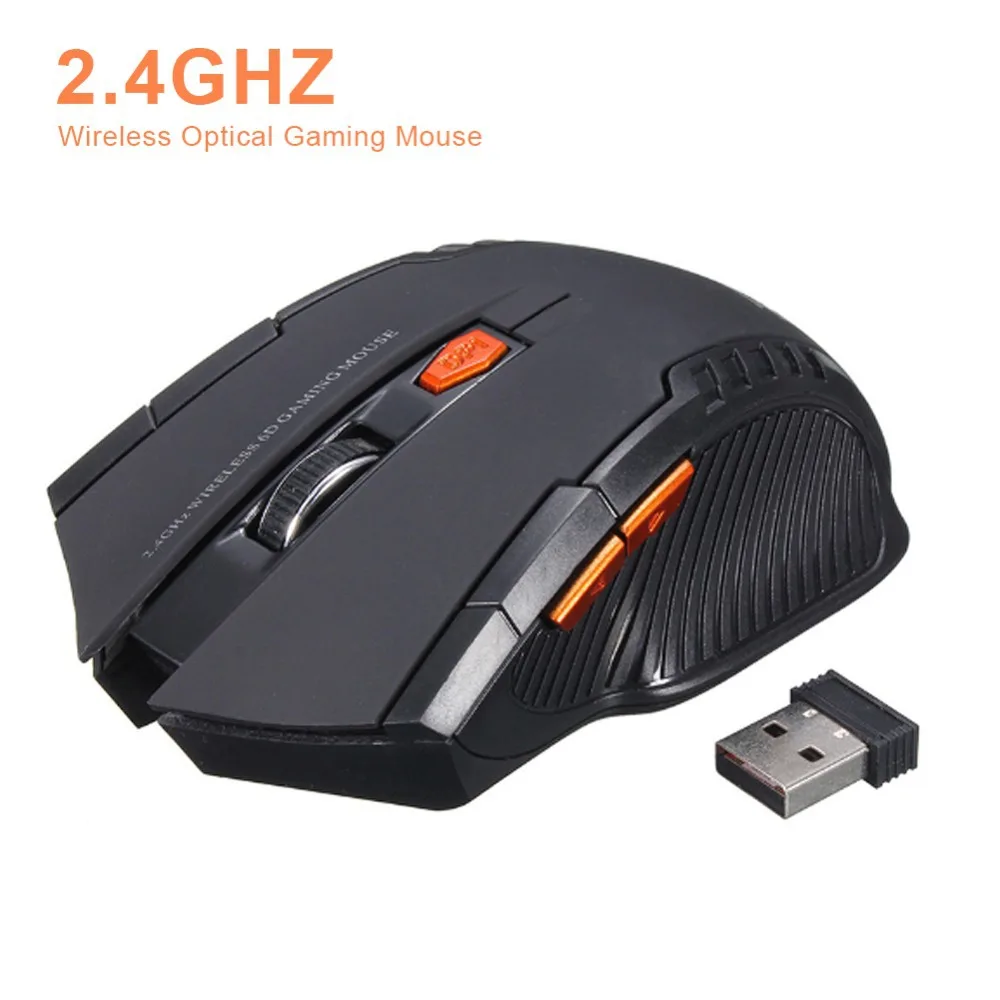

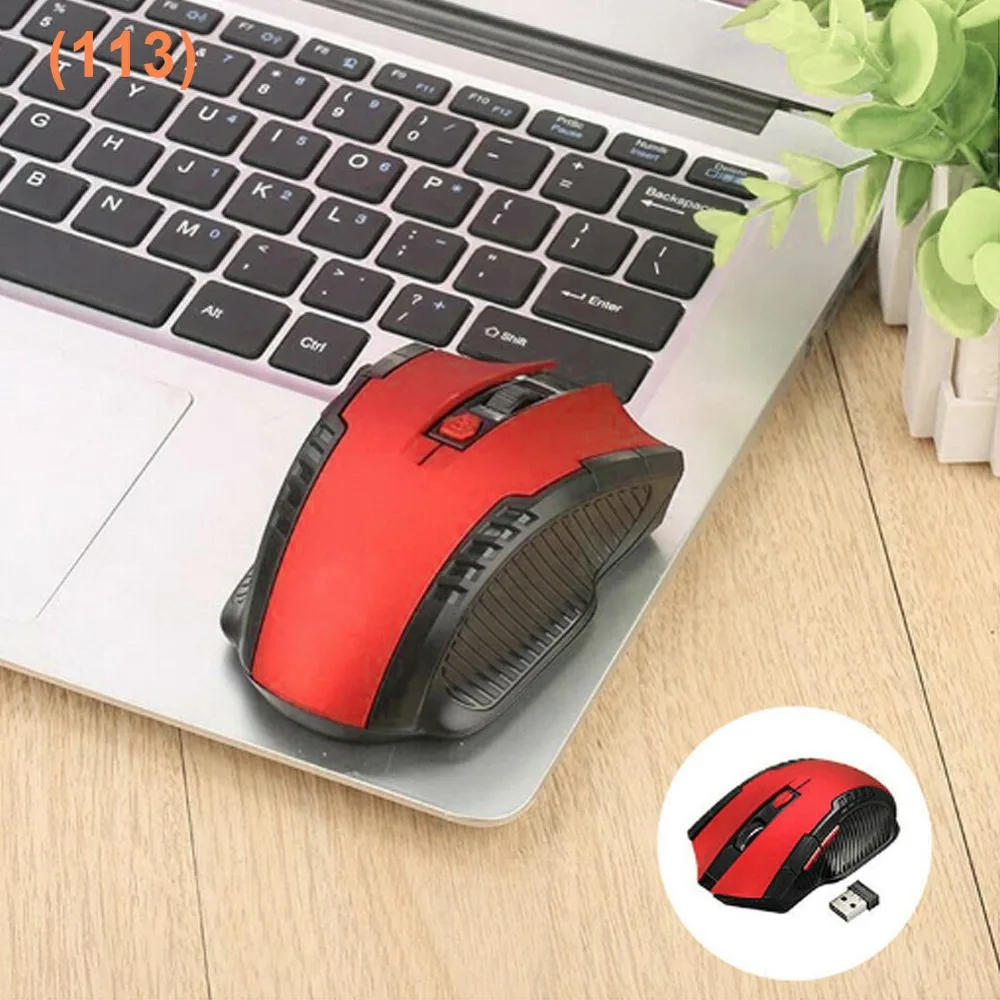



113 Ratón inalámbrico Ratón óptico inalámbrico de 2,4 GHz con receptor USB Ratón inalámbrico portátil de 6 botones para portátiles
€2,64
SPECIFICATIONS
Batería incluida: No
Certificación: Ninguno
Choice: yes
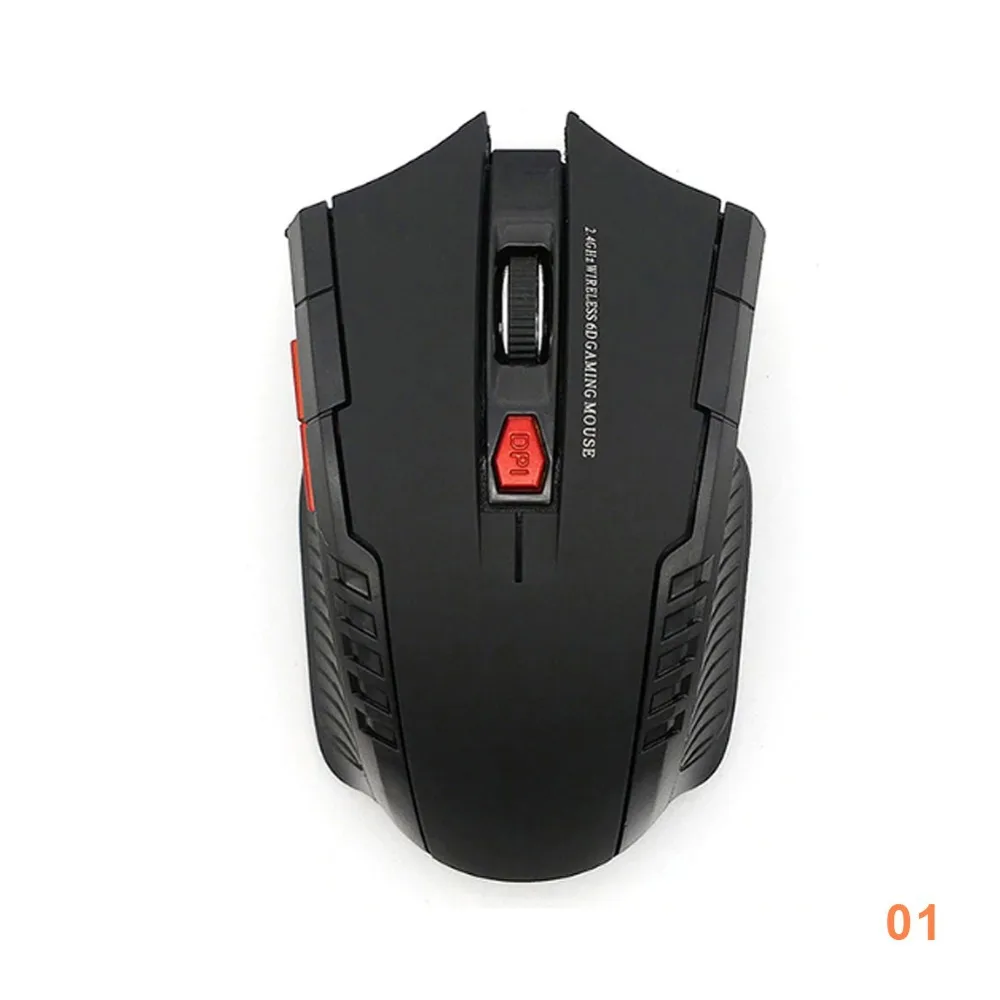
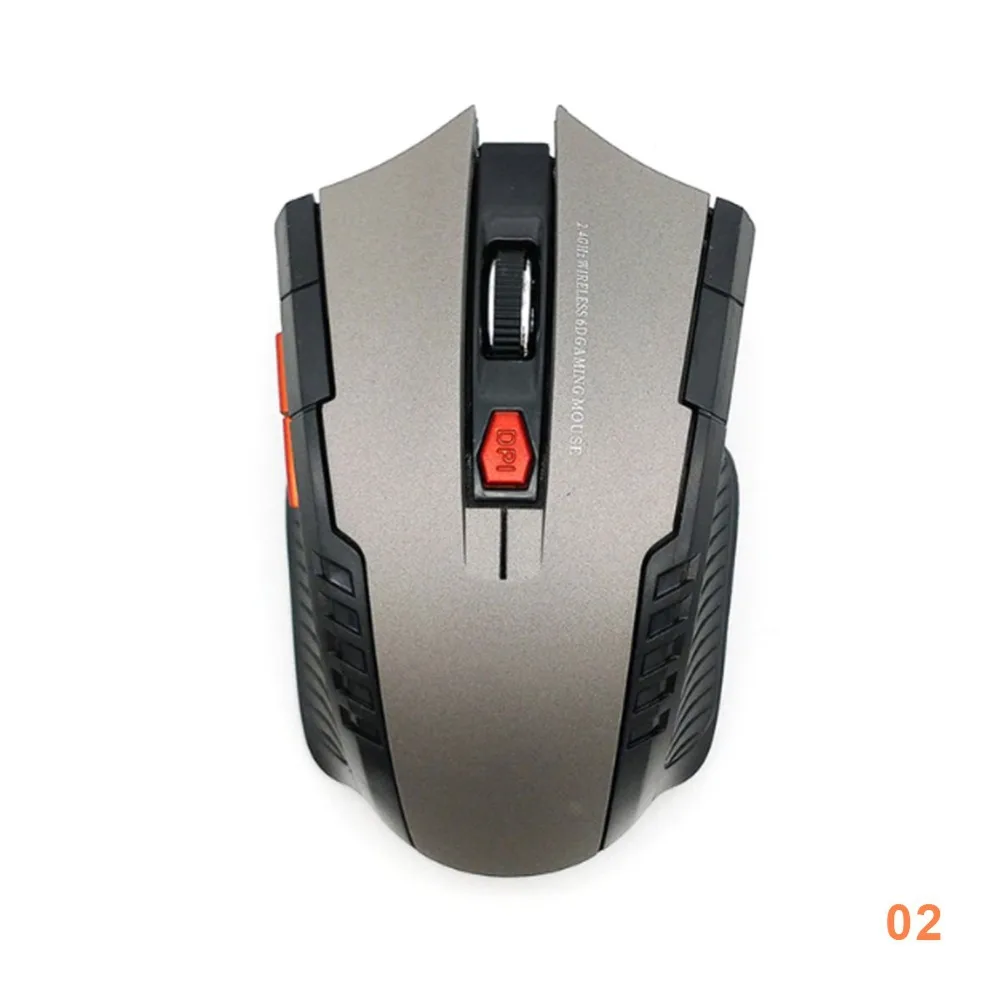
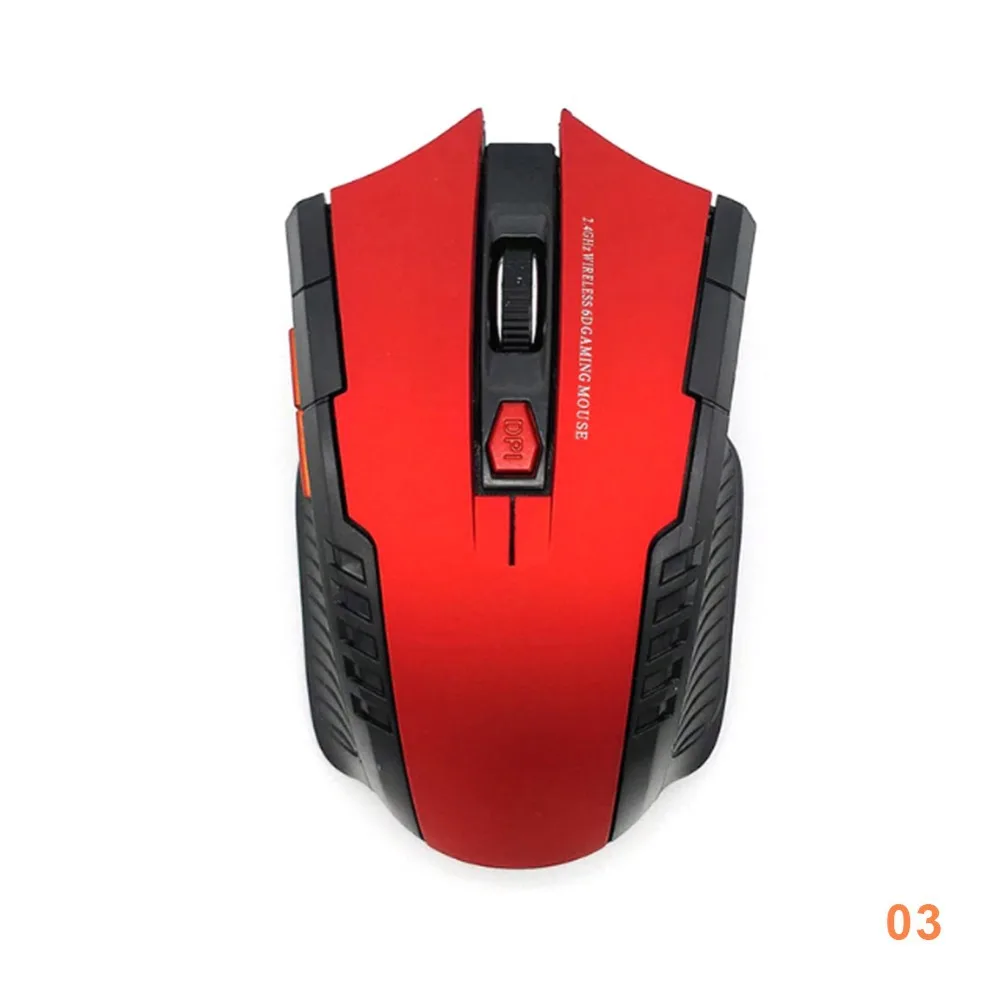
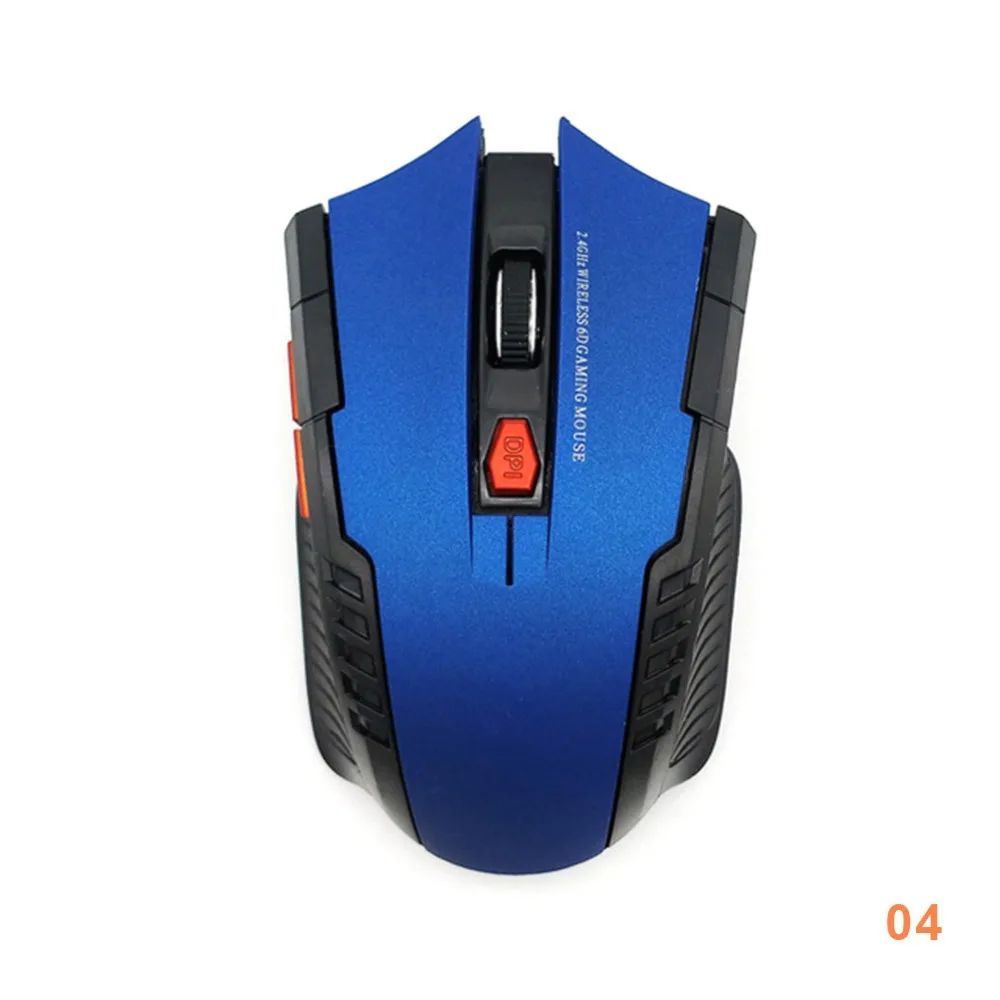
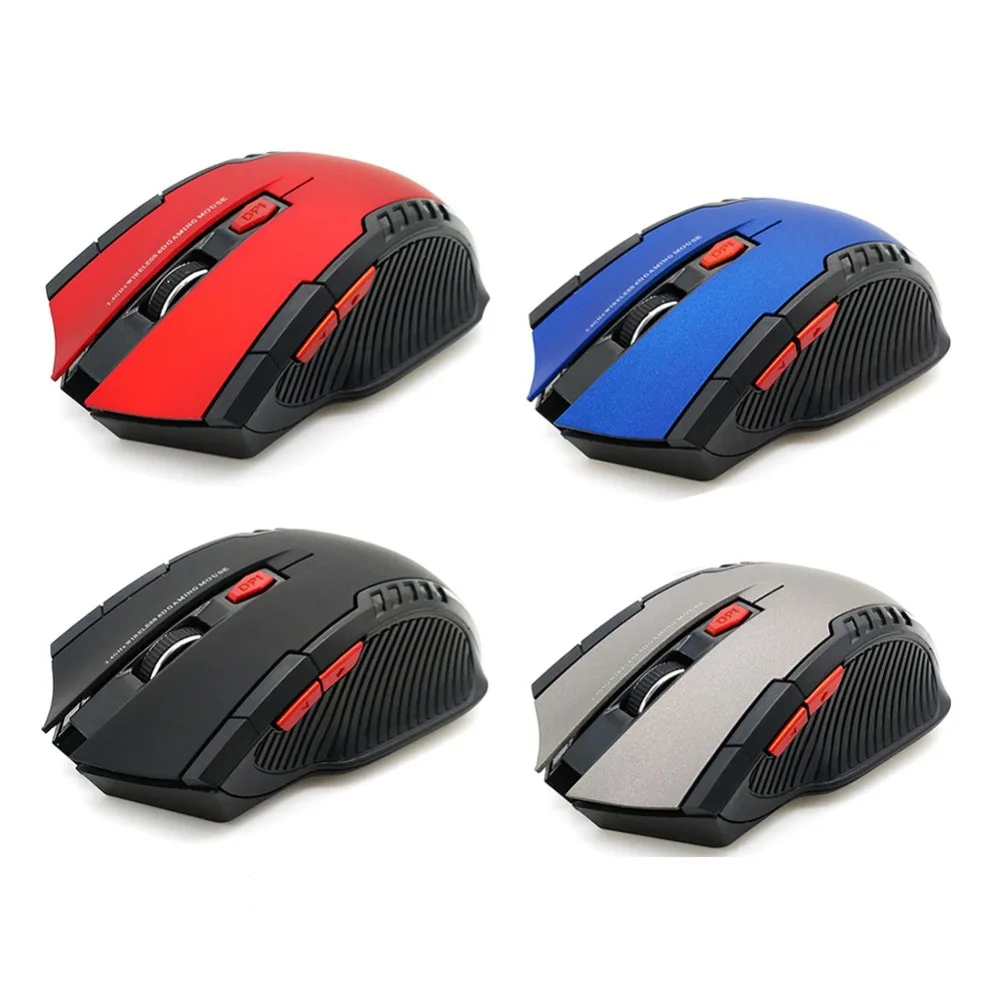
Color: Black Red Gray Blue
Modo de Operación: Optoelectrónico
Nombre de la marca: 越飞传
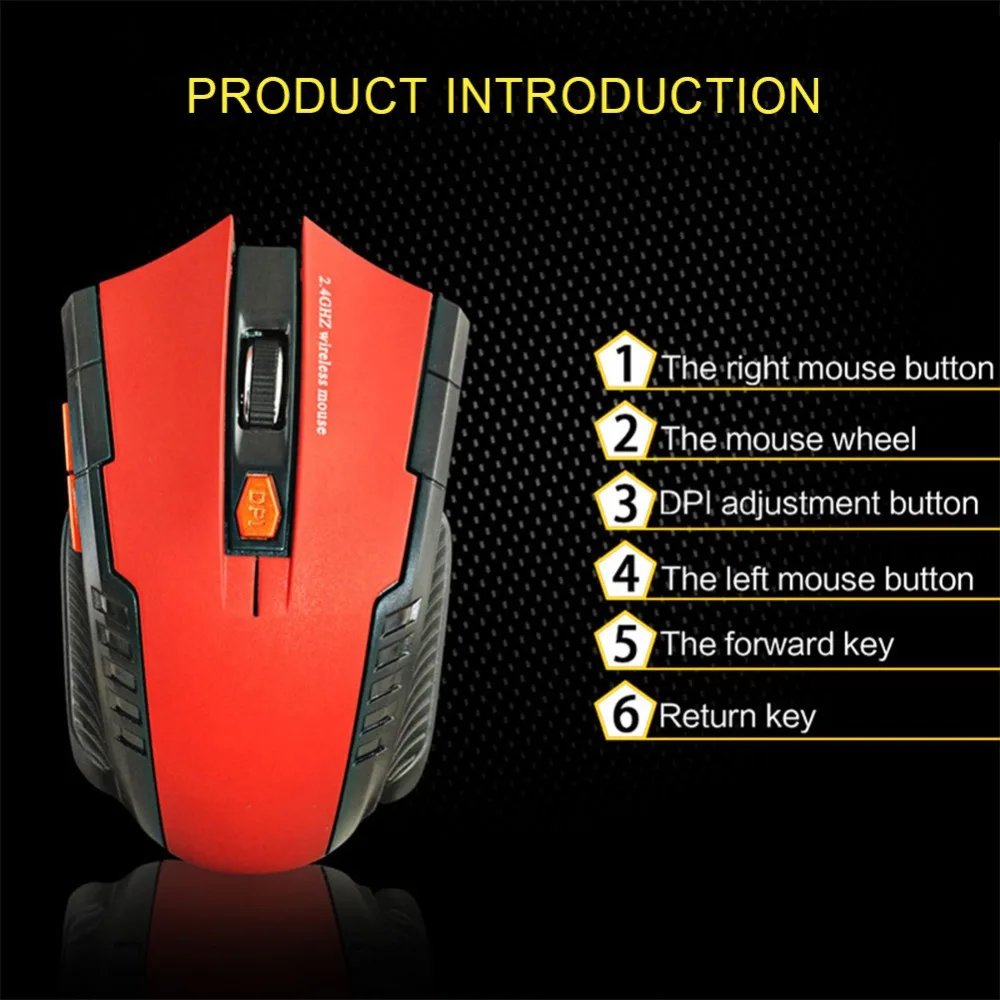
Número de botones: 6
Número de rodillos: 1
Orientación Manual: derecho
Origen: CN(Origen)
Power: 2*AAA Battery(not included)
Producto químico de alta preocupación: Ninguno
Tipo: Inalámbrico de 2.4GHz
Tipo de interfaz: USB
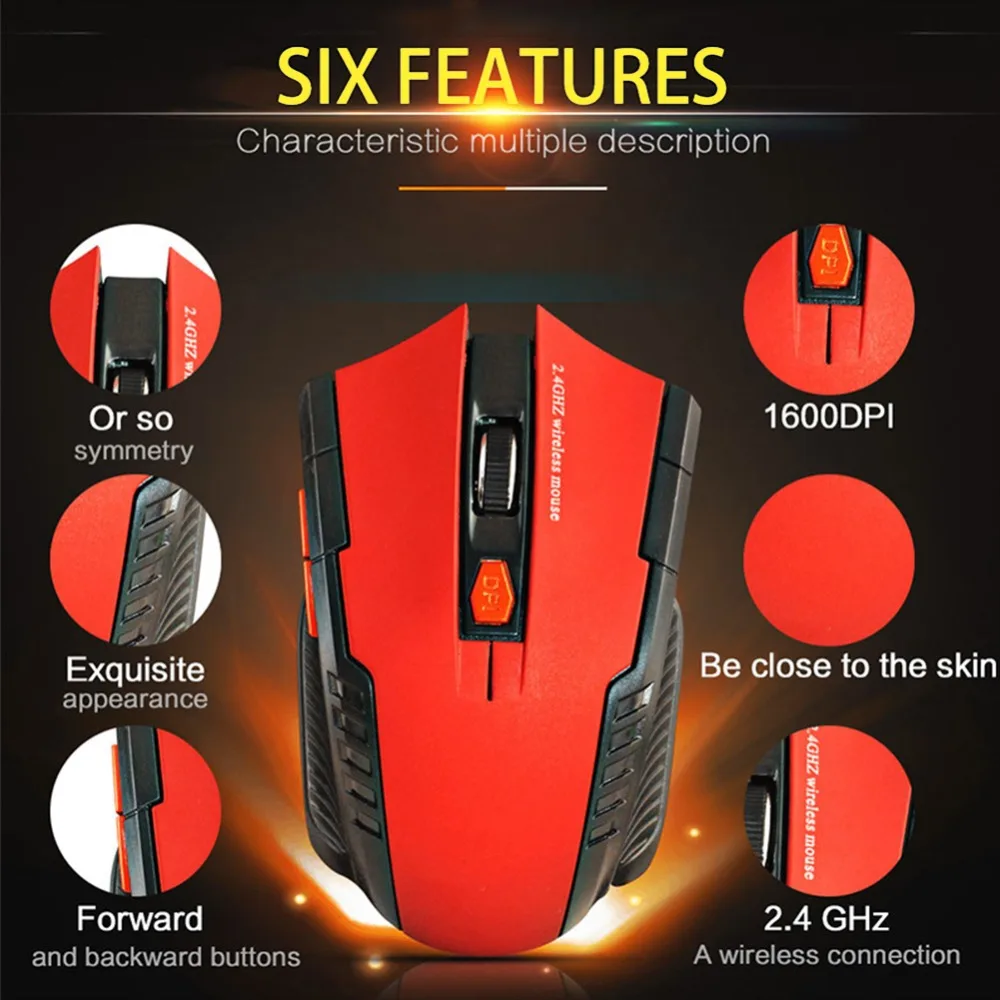
puntos por pulgada: 1600
semi_Choice: yes
Basic information:
Mini adapter plug and play,Wireless transmission, long sensing distance up to 10-15 meters
Portable and light weight, very convenient to carry and store
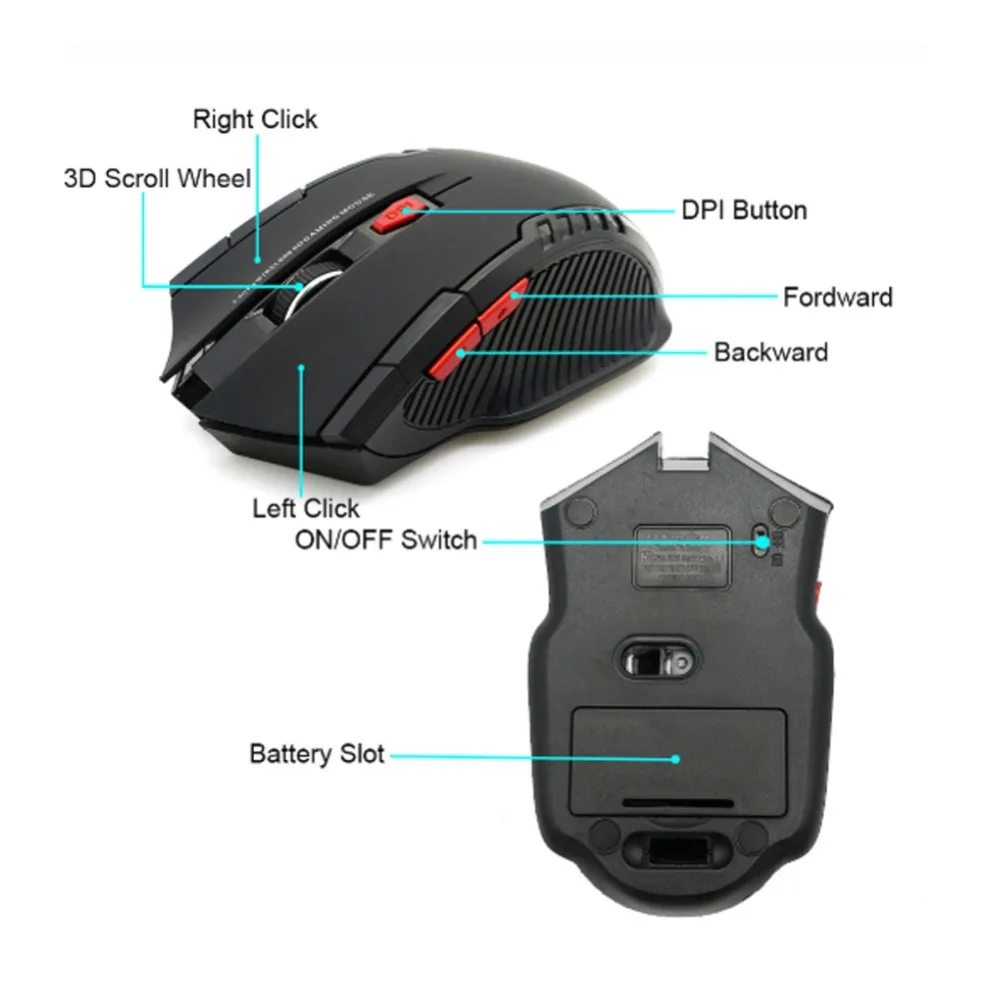
Power switch to save power
There are 6 keys, including scroll wheel, page forward and page backward buttons, which are convenient for surfing the Internet
Operating distance up to 10 meters
Product specification:
IC model: MX8650
Rate of return: 250 HZ
Movement speed: 28 IPS
Refresh rate: 3000 FPS
Acceleration: 10 G
Resolution: 800DPI, 1200DPI,1600DPI(adjustable)
Color: Black,Red,Gray,Blue
Power Supply: 2 x AAA Battery(Not included)
Mouse type: Wireless Optical Mouse
Interface: USB
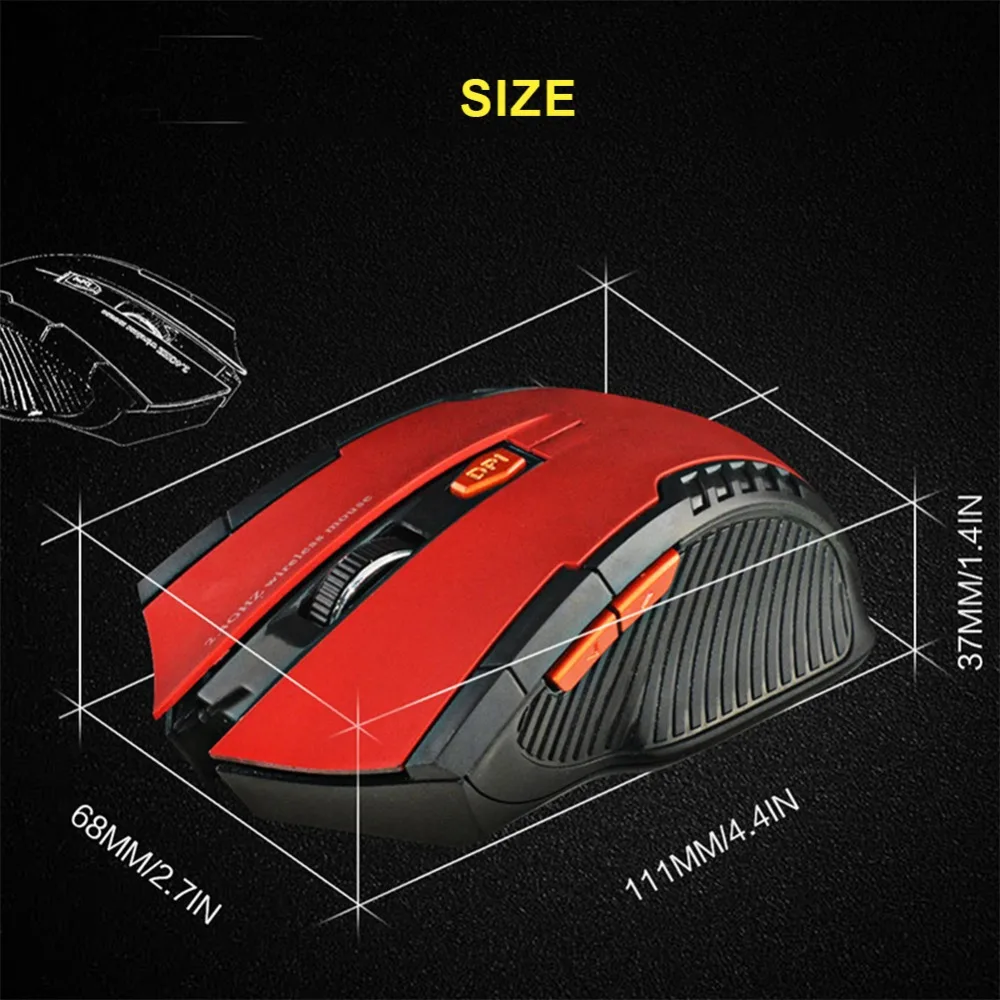
Size: 10.3 * 6.4*3.8cm
Net weight: 64g
Package size: 10.5 * 8.5 * 4.7cm
Gross weight: 94 g
Package include:
1 x 2.4GHz Wireless Portable Optical Mouse (Battery not included)
1 x USB receiver
System Requirements :
Windows98/Me/2000/XP/Vista/Win7/Win8/win10/Win11 or Mac latest.
Three-level power saving mode:
1: Three seconds into the first sleep light flashing continuously
2: 1 minute or so to enter the secondary sleep, intermittent flashing lights
3: 8 minutes or so, go to level 3 sleep, the light goes out
How to use:
1: First open the back cover of the mouse, take out the USB receiver, and insert it into the USB port of the computer.
2: Then install the AAA battery, turn on the power switch, and it can be used.
3: Note: This mouse needs 2*AAA battery. (AAA batteries not included)
Notice
*Images on this page are for illustration only and the design of the actual product may differ.
*All data on this page are from laboratories, actual results may vary according to differences in software version, environment and phone edition.
*Channel availability may vary between markets. Local standards and laws may vary, please ensure this product meets local requirements before purchasing.