
Wireless Game Controller for P4 Console, Bluetooth Compatible Gamepads for Playstation 4, Slim/Pro Joystick for iOS/PC/Android/Steam
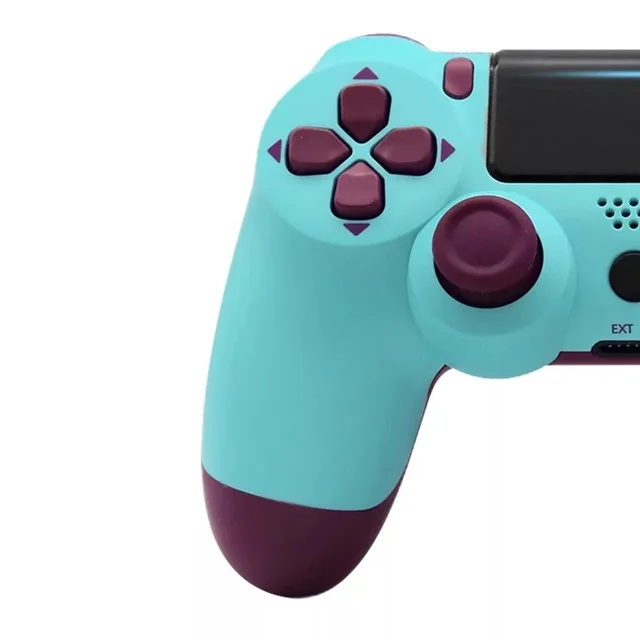
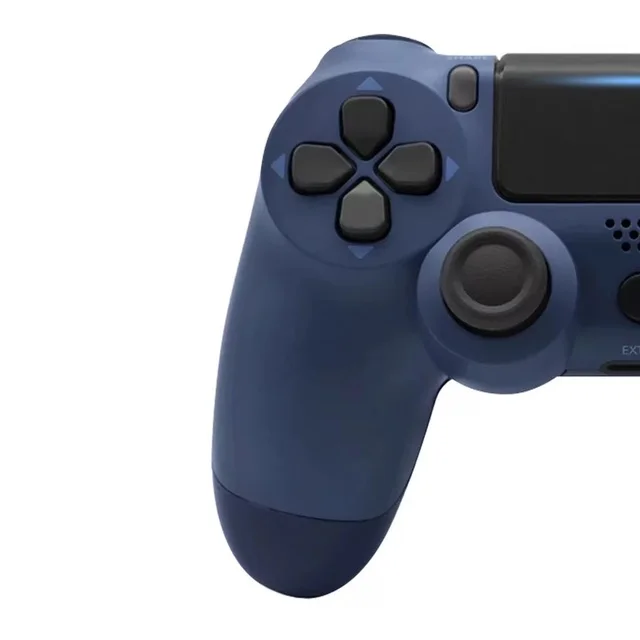
Blue
€11,63
Skip to product information



Wireless Game Controller for P4 Console, Bluetooth Compatible Gamepads for Playstation 4, Slim/Pro Joystick for iOS/PC/Android/Steam
€11,63
SPECIFICATIONS
Battery included : YES
Battery capacity : 800mAh
Choice : Yes
Compatible SONY Model : PlayStation 4 console, PLAYSTATION, PS4 professional, PS4 slim
Wear-resistant joysticks : No
Compatible brand/model : Sony
Brand name : NONE
Model Number : P4 Gamepads
Origin : CN(Origin)
Package : No
Compatible platform : PLAYSTATION
Chemical of high concern : None
Type : Game controllers
Activation Button Type : None
Interface type : USB,Bluetooth
semi_Choice : yes
Characteristics:
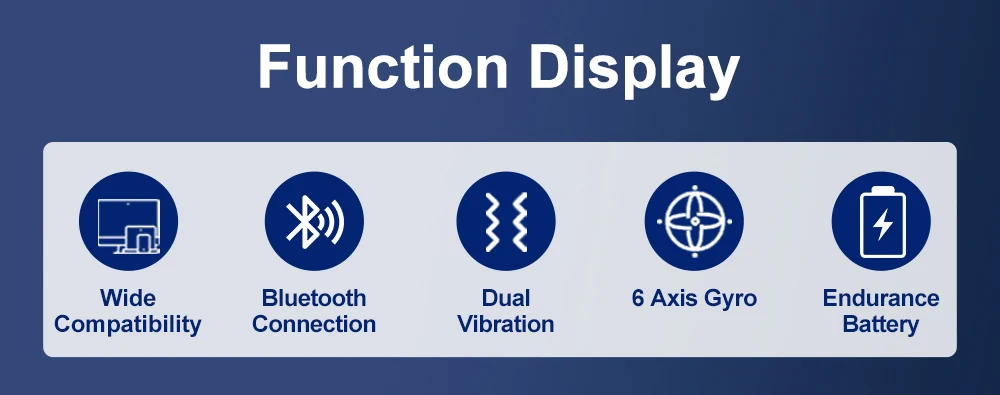
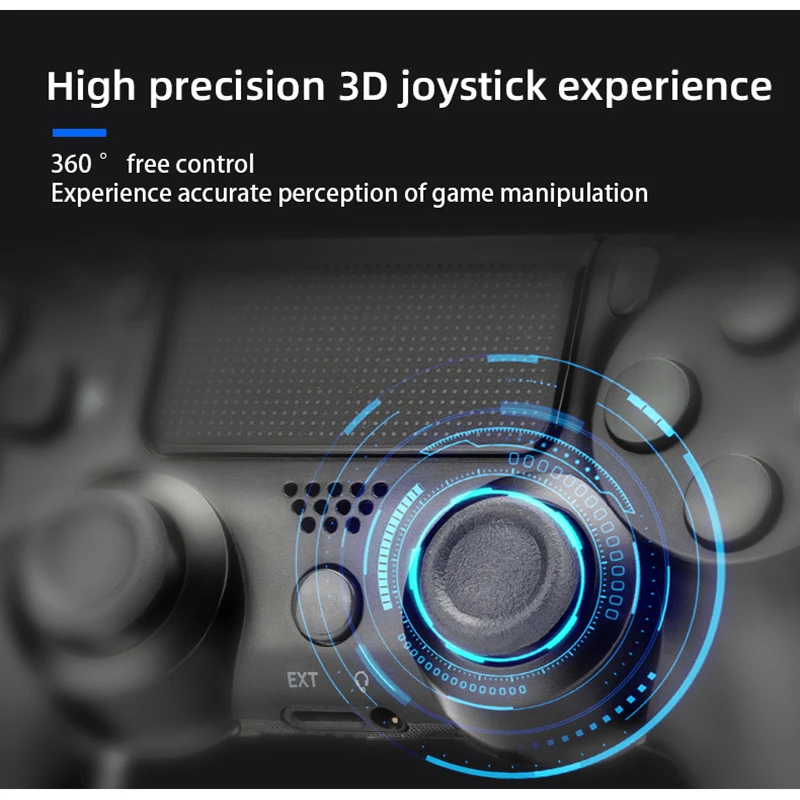
1. This device is designed with a full-featured version, with touch + audio + external function + dual vibration, with a built-in 600 mAh lithium battery!
2. The device application for the wireless controller features a built-in speaker and stereo headphone jack, which includes several new audio options at the player's fingertips.
The 3,600 mAh capacity lets you enjoy your game for a long time.
4. All functions included: Touch function + Speakers + Headphone jack
Compatible devices
This game controller is suitable for devices such as P4 / P4 Pro / P3 / cell phone / PC (WIN/7/8/10) and gaming platforms such as Steam
Package included: (No retail box)
Wireless gamepad * 1
USB cable * 1
Instruction manual * 1
Frequently Asked Questions:
1. Can the controller use Bluetooth to connect to iPhones, Android phones, or iPads?
Answer: Bluetooth can be used to connect iPhones, Android phones, and iPads.
2. To which systems can the controller be applied?
Answer: Our driver can be applied to iOS, Android, P3, P4, Windows and other operating systems.
3. Can the gamepad be connected to a computer?
Answer: You can connect to a computer.
4. Can the gamepad be used with all mobile games/computer games?
Answer: You should select mobile games and computer games that support peripheral gamepads in order to use them normally.
5. Can the controller be used for all games on P4/P4 Pro/P4 Slim/devices?
Answer: Yes, it is exactly the same as the Sony P4 controller and all P4 series games can be used with it.
6. How do I connect the gamepad to the computer?
Answer: You need to download the gamepad driver to your computer, which is the same as the Sony gamepad driver.
7. How do I activate the Bluetooth function?
Answer: Press and hold the PS button and the SHARE button at the same time for approximately 3 seconds until the indicator light flashes rapidly.
8. Is it possible to connect speakers and headphones via the headphone jack on the handle?
Answer: Yes, you can connect headphones or speakers via the controller's headphone jack.
9. How long does shipping take after payment?
A: We generally ship products within 24 hours of the buyer's payment.