
Wireless Gaming Mouse Bluetooth 2.4g USB Rechargeable Ergonomic Mechanical Backlit Design for Laptop PC Gamer
Pink
€5,81
Skip to product information



Wireless Gaming Mouse Bluetooth 2.4g USB Rechargeable Ergonomic Mechanical Backlit Design for Laptop PC Gamer
€5,81
SPECIFICATIONS
Battery included : YES
Certification : certificate
Choice : Yes
Operating Mode : Optoelectronic
Brand name : VUUV
Number of buttons : 6
Number of rollers : 1
Manual Orientation : Right
Origin : CN(Origin)
Package : Yes
Gross weight : 130
Chemical of high concern : None
Marketing time : January 9th
Type : Wireless Bluetooth
Energy type : Rechargeable
Interface type : Bluetooth
dots per inch : 2000
Product description:
Name: M2 Mechanical Gaming Mouse.
Battery capacity: 500 mAh
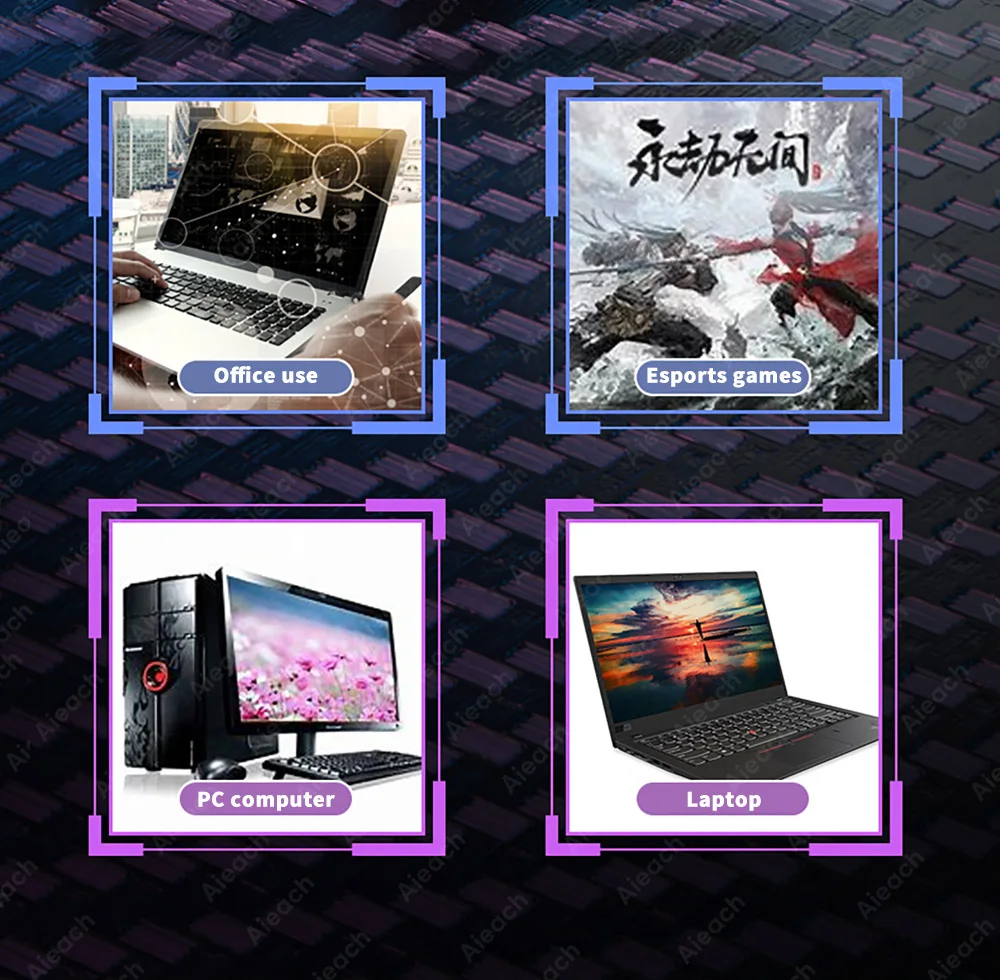
Compatible devices: tablets, PCs, laptops with Bluetooth functionality
Function 1: Bluetooth connection/2.4G mode
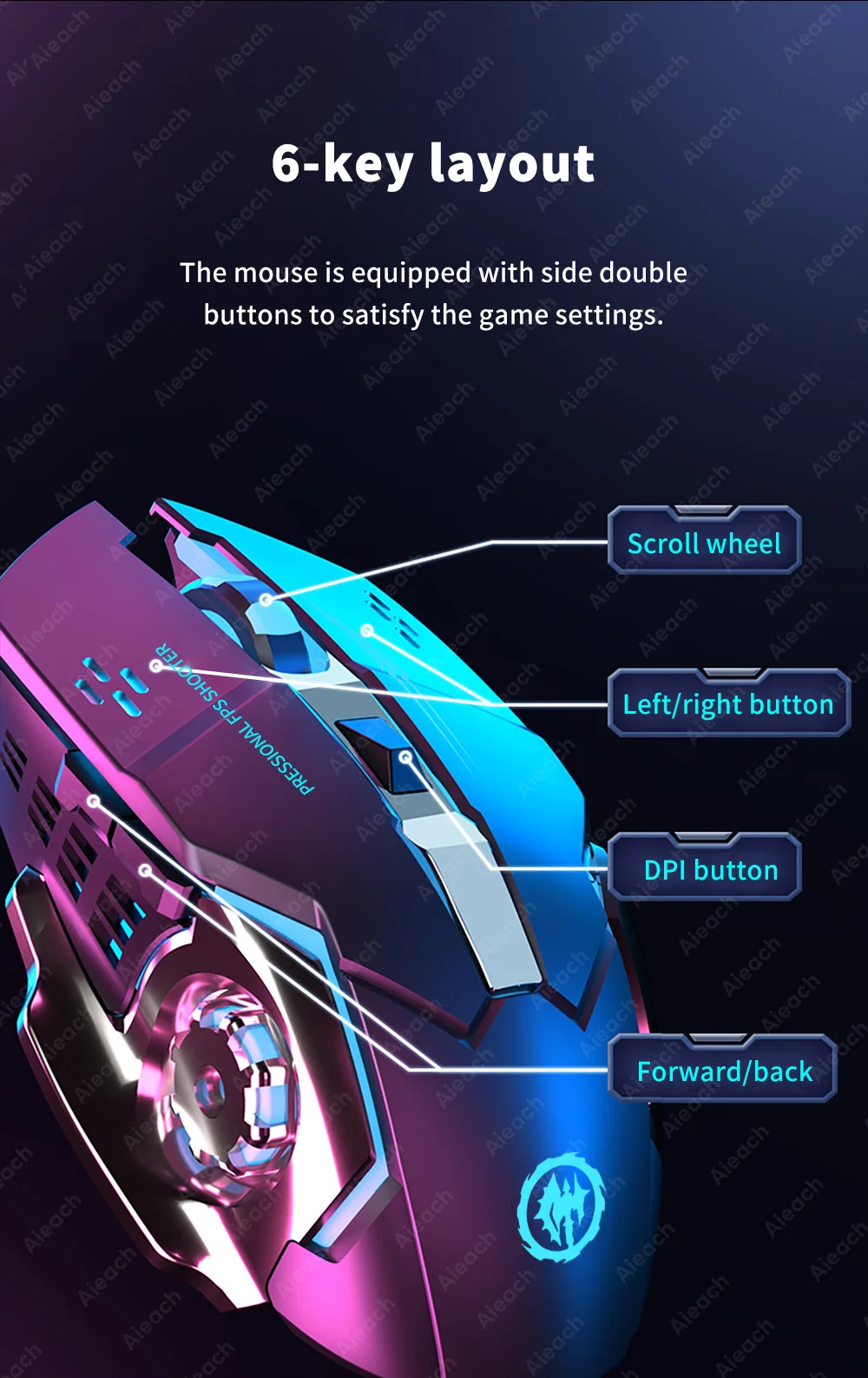
Function 2: 6-key layout
Function 3: Backlight function
Function 4: Rechargeable
Function 5: 3 adjustable DPI levels
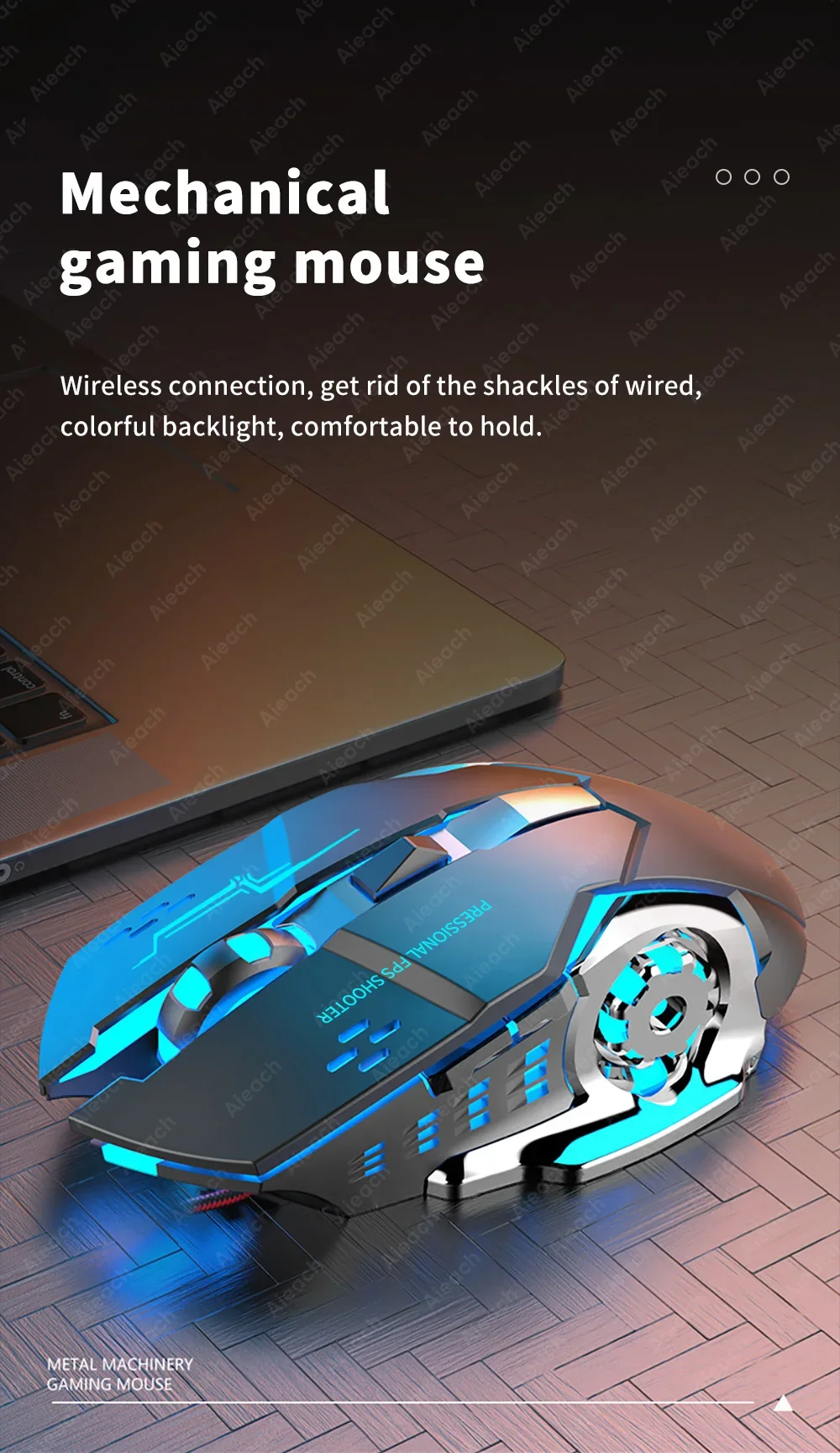
Mechanical gaming mouse
Wireless connection, get rid of the shackles of colorful backlighting and wired, comfortable to hold.
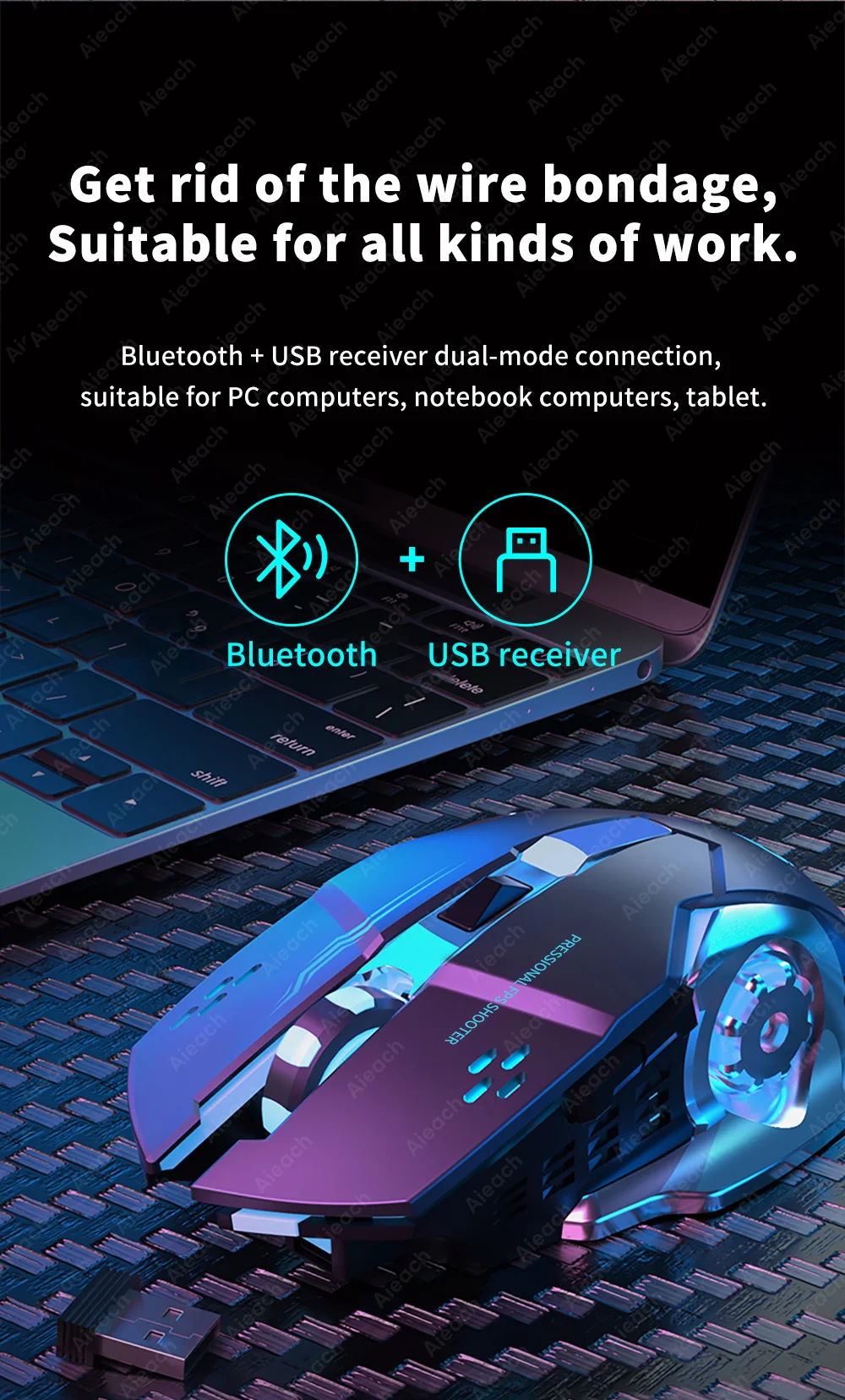
Get rid of wire slavery, suitable for all types of work.
Dual mode connection with Bluetooth + USB receiver, suitable for PCs, laptops and tablets.
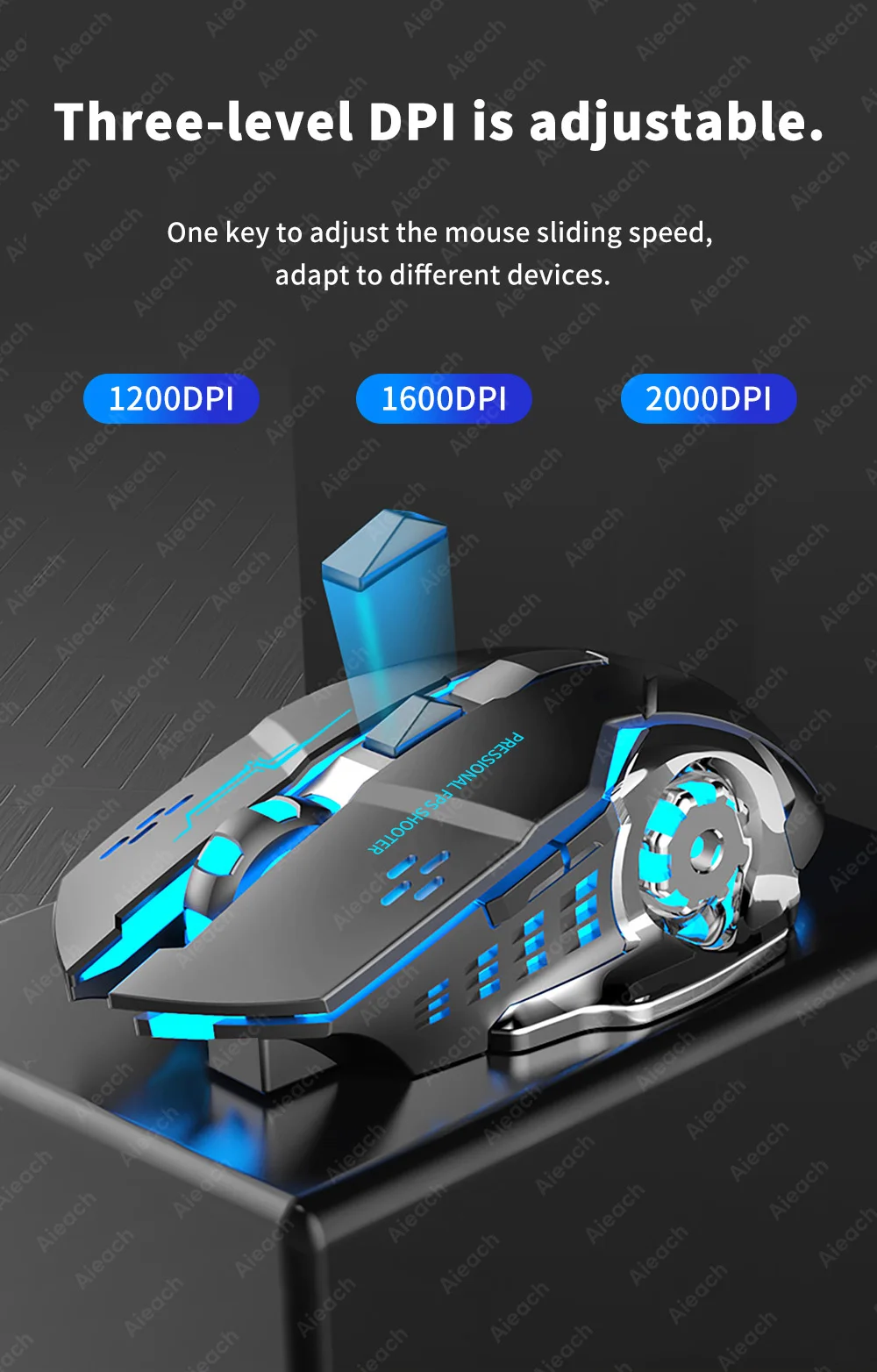
The three-level DPI is adjustable.
A key to adjust the mouse's sliding speed, adapting to different devices.
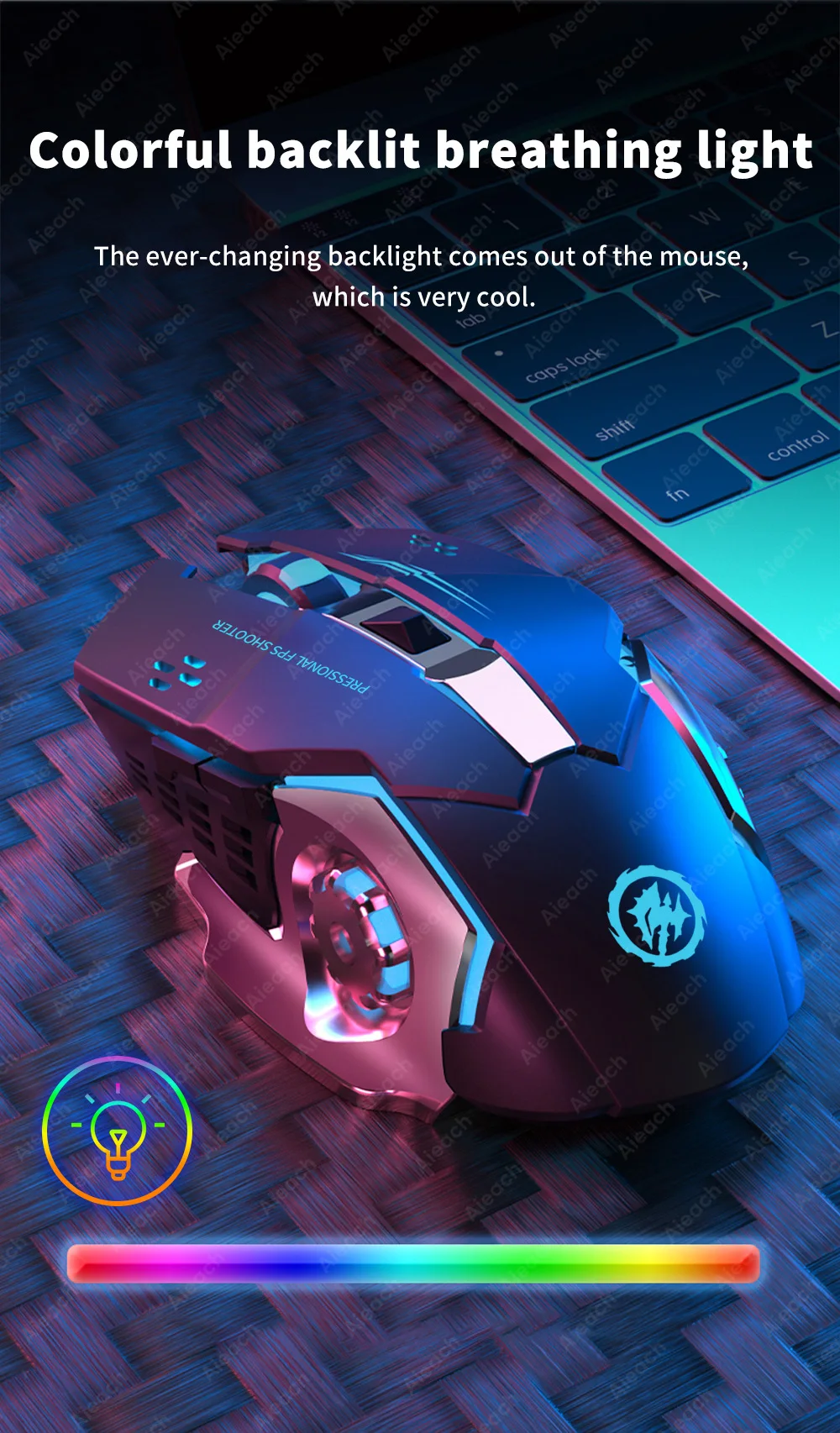
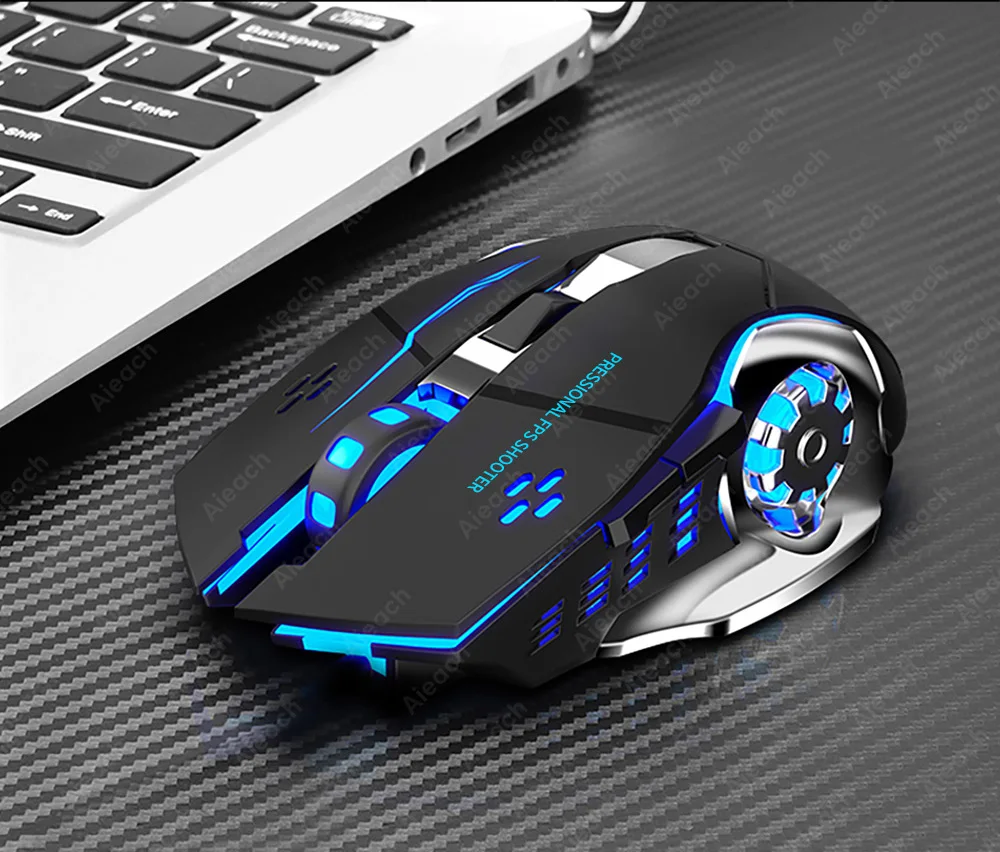
Colorful backlit breathing light
The constantly changing backlight emanates from the mouse, which is great.
Note: The light is a breathing light that is constantly changing, and the image is just a snapshot of instantaneous changes.
6-key design
The mouse is equipped with dual side buttons to suit the game setup.
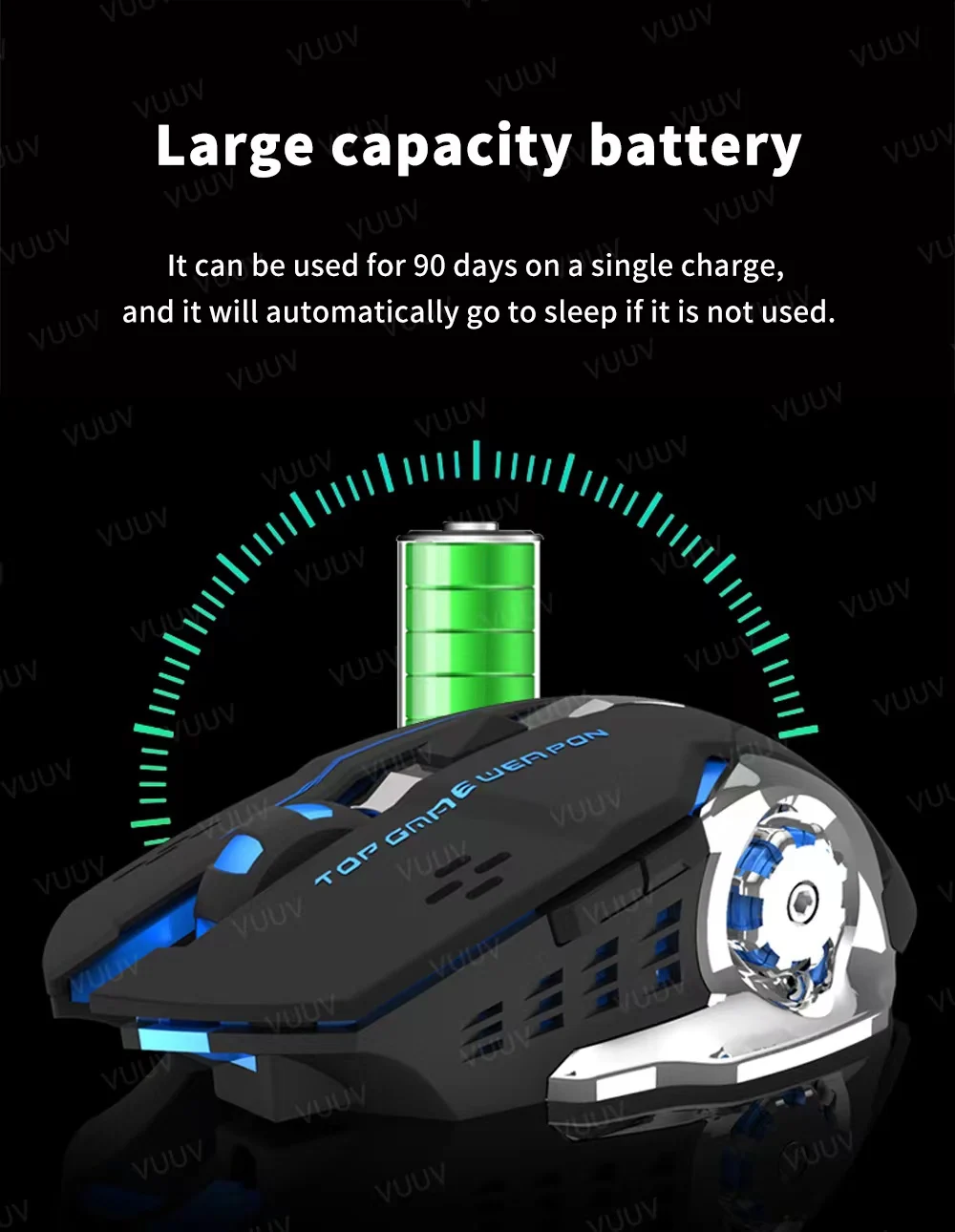
High-capacity battery
It can be used for 90 hours on a single charge.
The above data is measured by the AIEACH laboratory; actual usage will be slightly different depending on specific circumstances.
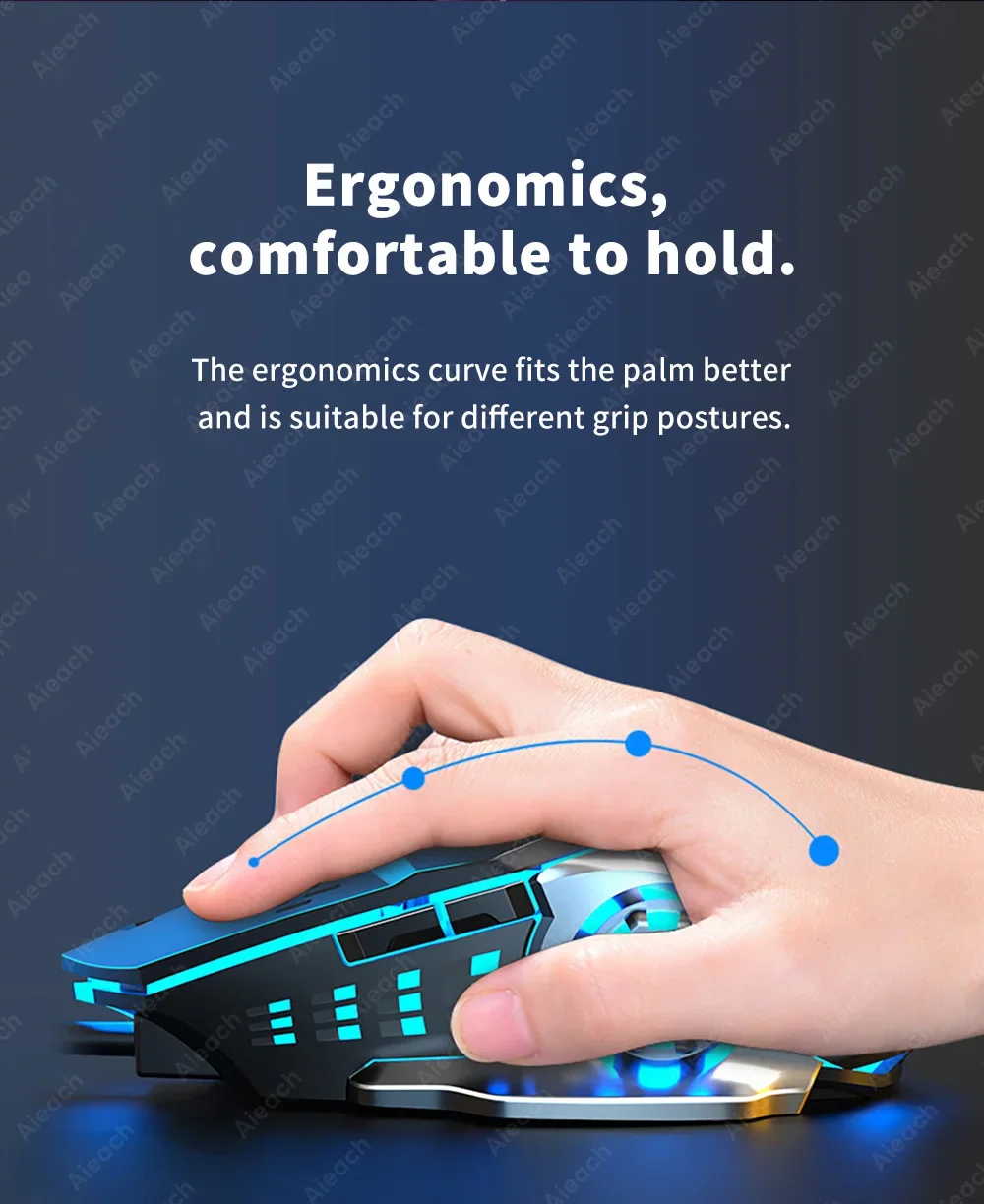
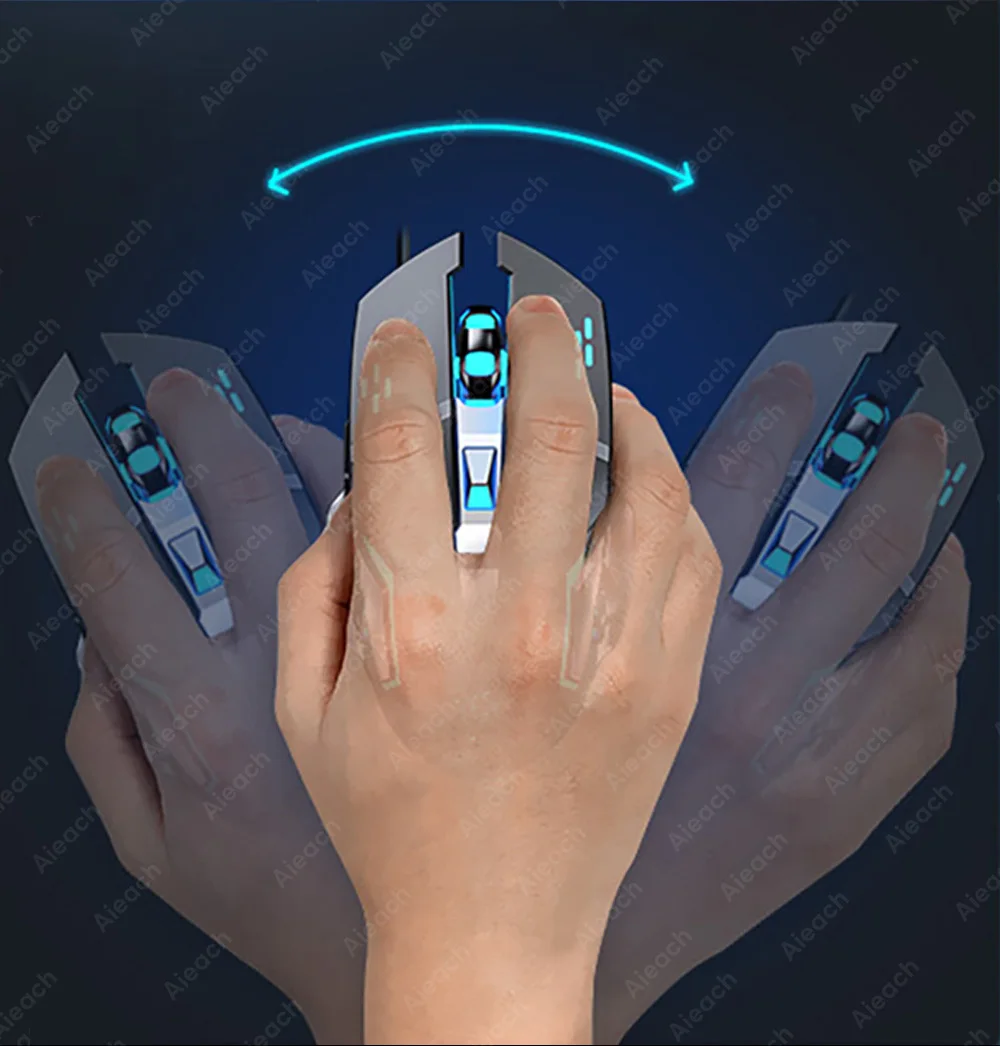
Ergonomic, comfortable to hold.
The ergonomic curve fits the palm better and is suitable for different gripping positions.
Mouse connection steps
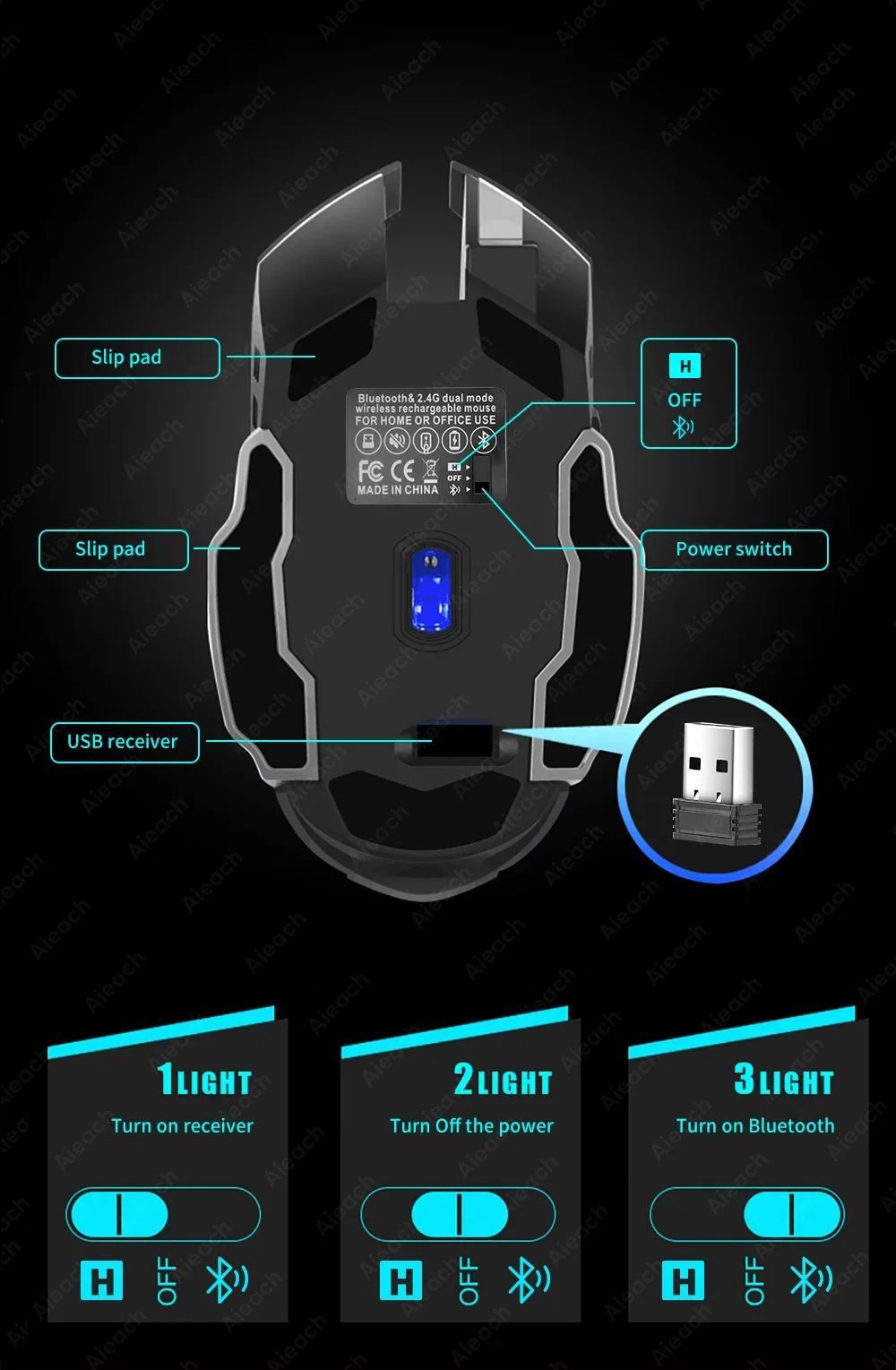
Remove the receiver from the bottom of the mouse, plug it into the computer's USB port, and wait about 15 seconds.
Turn on the switch on the bottom of the mouse (mute it to the ON position), the mouse lights up for a few seconds, which means: the mouse is on.
Push the switch to ☼, the mouse will activate the seven-color breathing light mode.
Bluetooth connection: Press the switch to ON and the red light will flash, then you can connect to the Bluetooth mouse.